You can move release objects to a different release within the same project or to a release in a different project.
Note: You cannot move a data item mapping object.
To move release objects, follow these steps:
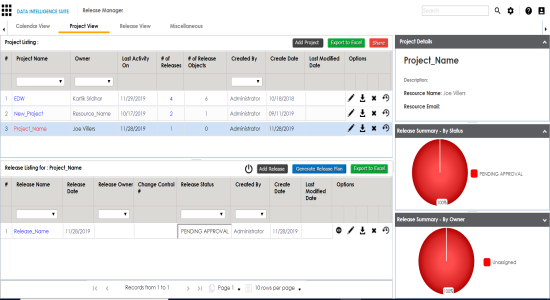
- Under the Project View tab, click the desired project.
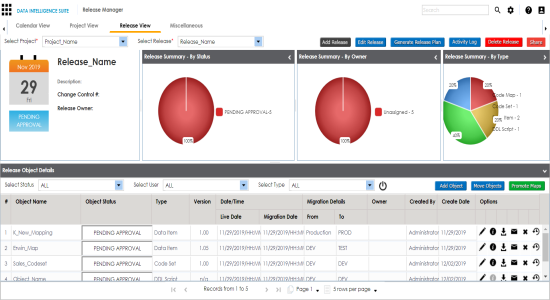
- Click the desired <Release Name>.
- Click Move Object.
- In the Release Objects Data Repository tab, select the release objects.
- In the Move To tab, Select the project and the release where the release objects should move to.
- Click Save.
The release listing of the desired project appears.
The Release View page appears showing the release object details.
The Move Object page appears showing the Release Objects Data Repository.
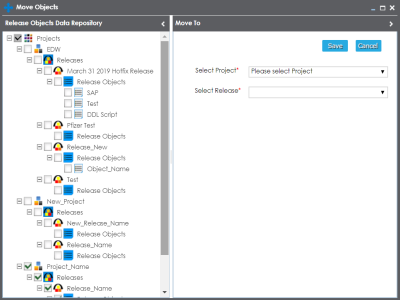
The release object moves to the selected project and the selected release.
|
Copyright © 2020 erwin, Inc.
All rights reserved.
|
|